IoT Device Testbed Dashboard: Real-Time Monitoring and Visualisation
Project Overview
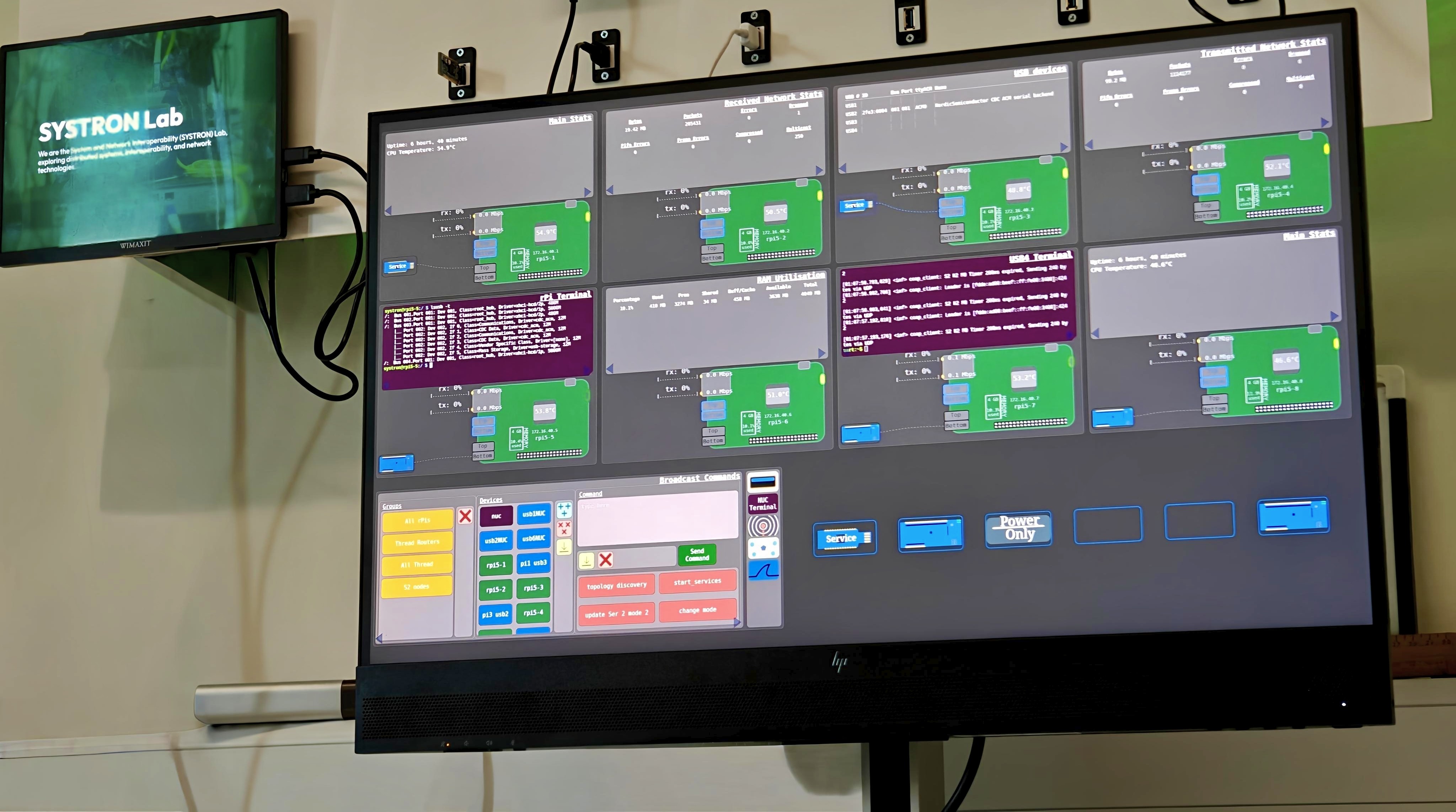
To support experimental research on low-power mesh networking and distributed edge computing, an interactive management dashboard was developed for the physical IoT testbed in the SYSTRON Lab.
Key Features
- Live Topology and Hardware Discovery: Aggregates near real-time connection status across the host Intel NUC and distributed Raspberry Pi edge nodes.
- Embedded Interactive Terminals: Integrates ttyd and picocom console sessions directly inside web iframes, allowing researchers to interact directly with embedded devices.
- Synchronised Command Broadcasting: Features a multi-node command broadcast system, with the ability to create persistent device grouping and commands. Researchers can target specific network roles (e.g., all Thread Children, Routers, or all Raspberry Pis) and execute single or multi-line commands across all selected nodes.
UI in Detail
Below is a screenshot of the full UI of the dashboard:
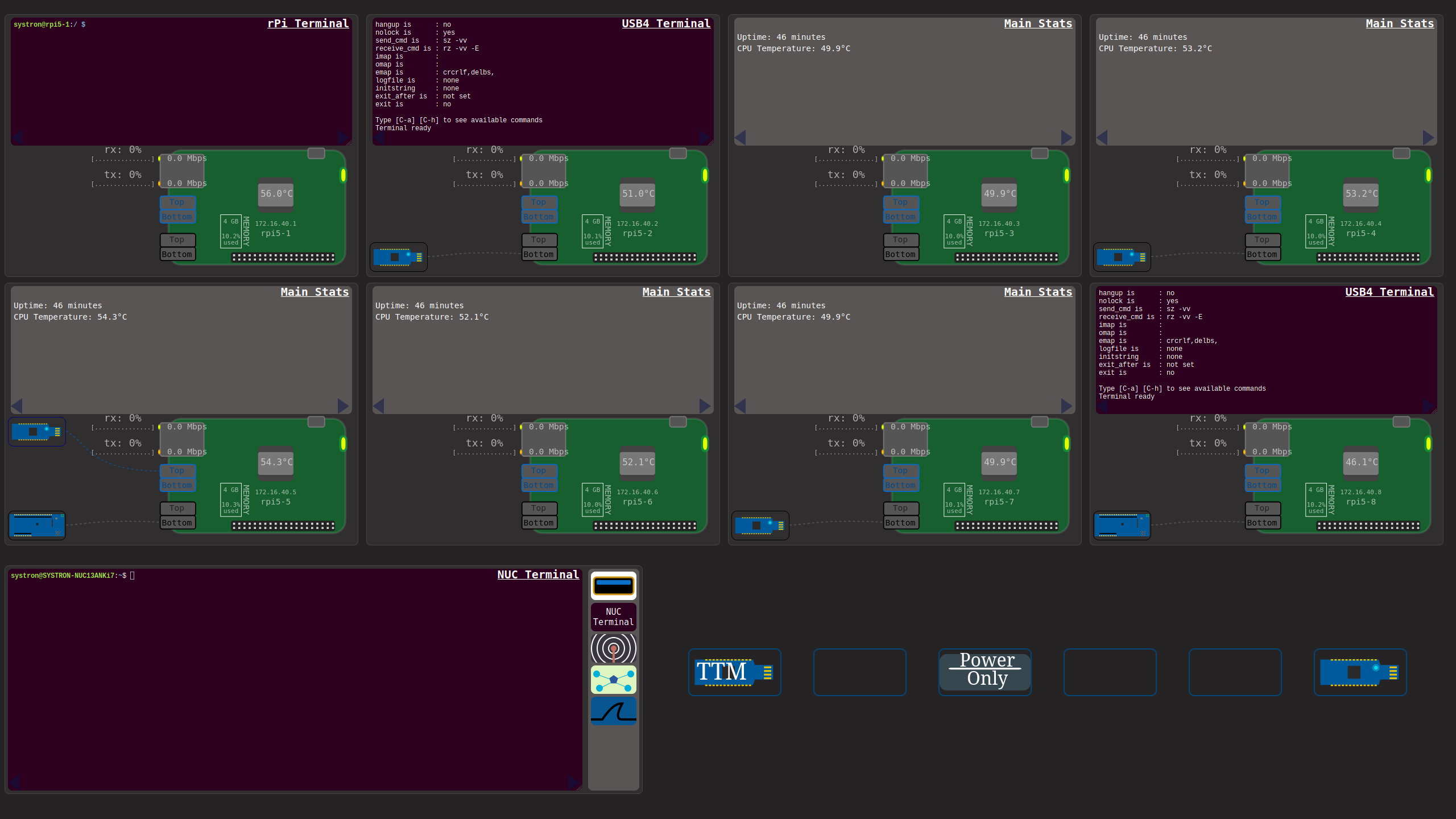
In it, we have a terminal connected to the rpi5-1. Next door is a terminal connected to dev/ttyACM0, which in other words is the usb device connected to the rPi5-2.
The larger terminal near the bottom is the NUC’s terminal embedded into the dashboard.
The dashboard is fully dynamic, where devices will be shown or hidden depending on if they are plugged in or not. The dashboard updates itself every ~0.5 seconds.
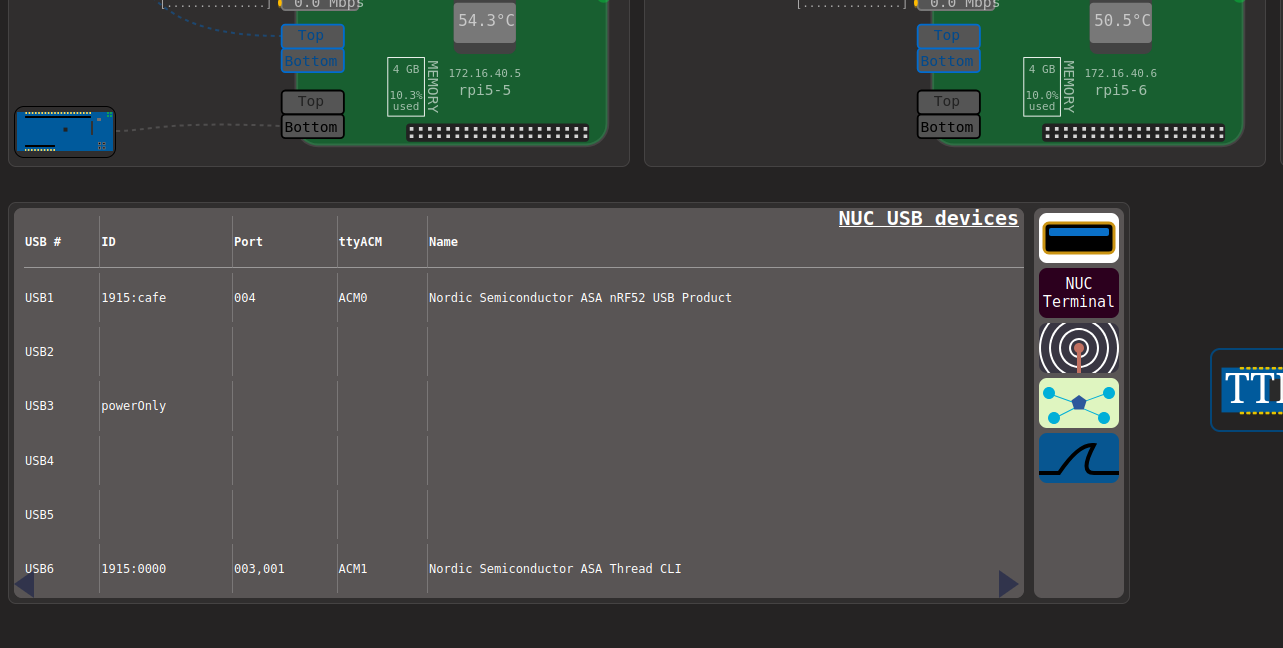
In what we call the NUC-Node viewport, we have a page to view the info about USB devices plugged into the NUC:
A page to broadcast commands to a number of devices at the same time:
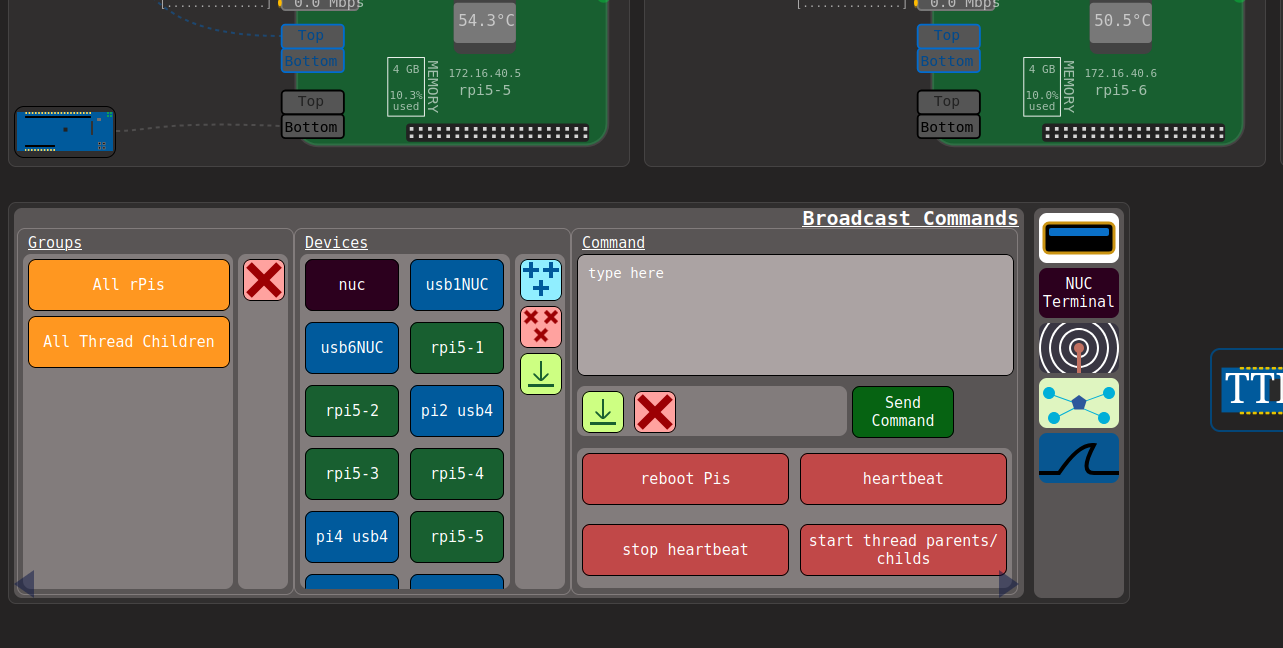
This ‘Broadcast Commands’ page also allows for the user to save commands and groups of devices, that is stored persistently in .json files so the dashboard can be rebooted while still saving the commands.
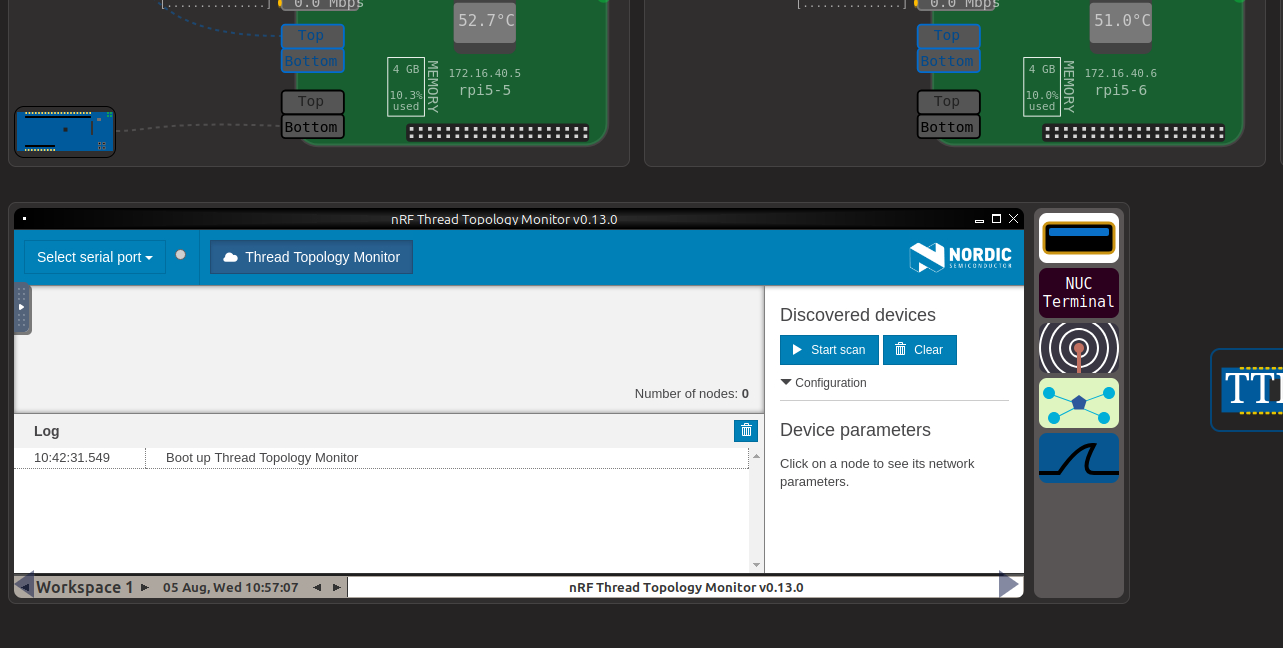
The next page is the Thread Topology Monitor application, embedded as a VNC session (so it can be full screened too):
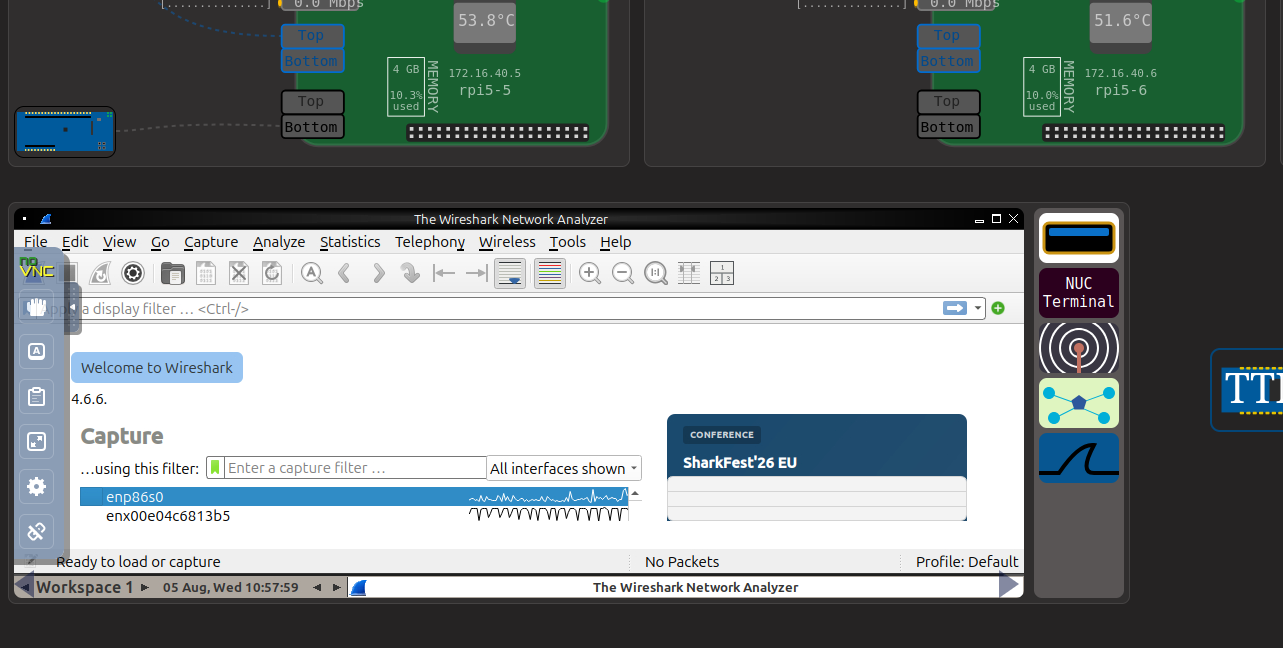
And finally is the wireshark page (also as a VNC page):
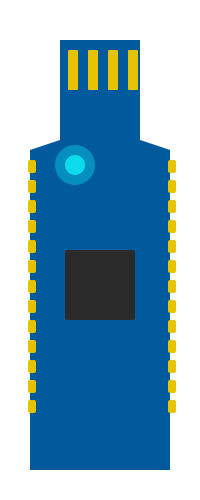
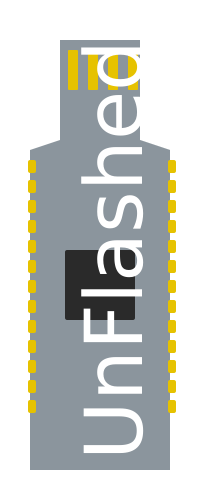
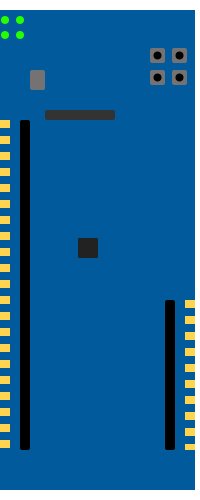
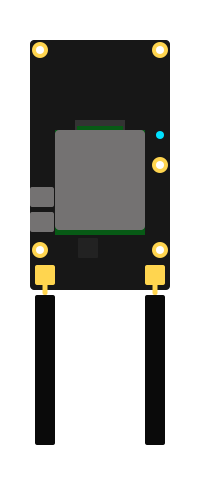
The dashboard relies on custom SVG images to showcase the USB devices. Below are some examples of what devices are supported by the dashboard:
Nordic Semiconductor nRF52840 Dongle (Runtime & Bootloader States):
Nordic Semiconductor nRF52840 DK Board:
Semtech EM8695 RedCap Device:
Research Impact
By eliminating the overhead of manual UART terminal management and multi-window SSH sessions, the dashboard streamlines experiment setup for the testbed. It serves as an instant visual debugging environment, enabling researchers to immediately detect node dropouts, verify link states, and monitor network reconfigurations during active experiments related to Thread.